
Viewing Deployment Package Logs
When importing a deployment package into an environment, the output of the checks performed during the import are saved into a log specific to the deployment package.
To view the log of a deployment package, from the menu, click DevOps > Deployment Package Logs. The Deployment Package Logs List page opens.
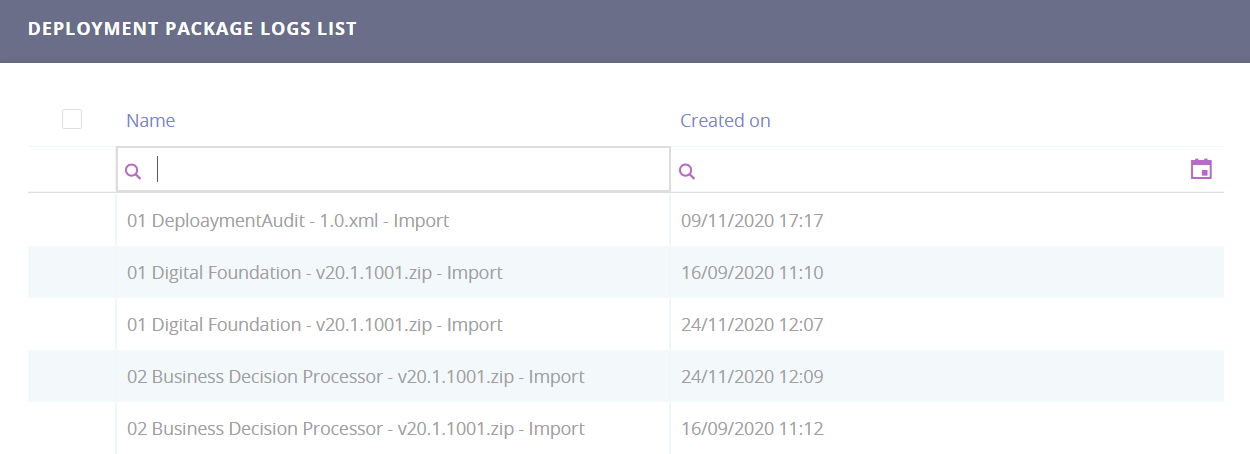
The Deployment Package Logs list contains a table with two columns: the name of the deployment package (the name of the xml file), and the date when it was imported/or the date when the user tried importing the file.
Double-click on the desired deployment package name. The Edit Deployment Package Log page opens.
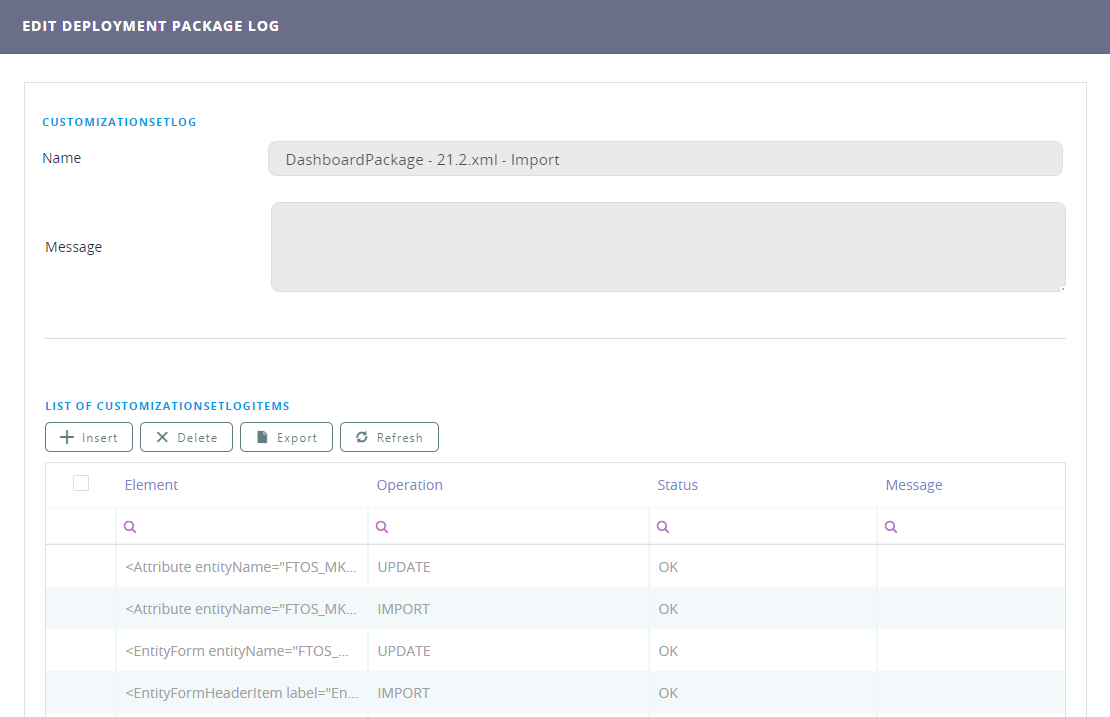
The List of CustomizationSetLogItems section displays the status of all the deployment package components being imported. If the import for a component has failed, the reason for the import failure is displayed in the Message column.